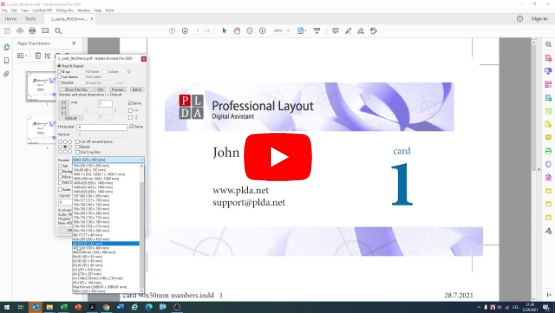
Professional impositions of PDF data
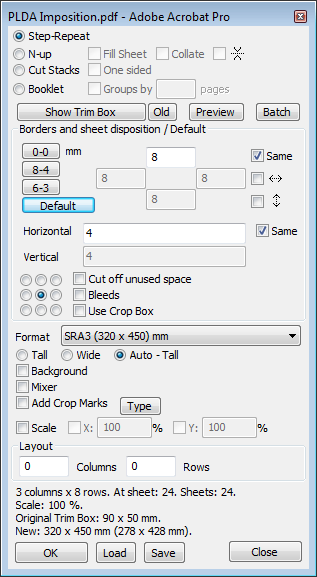
KEY BENEFITS
Quick one-step imposition, including a function Mixer for complex imposition templates
Powerful imposition capabilities
WYSIWYG technology provides an identical imposition result before printing
Ability to save imposition templates and actions
automation of repeated print jobs using hot-folders
professional imposition of booklets, leflets, magazines and books
Easy-to-use user interface in many languages: english, german, french, hungary, czech, polish, spanish, dutch
... and many more functionalities

PLDA is a simple and efficient tool for imposing printing pdf files.
PLDA is a plugin into Adobe Acrobat Standard or Professional, 32bit and 64bit versions and operating systems MS Windows and OSX.
News:
PLDA now supports Apple M1 processors
From today, a new version of PLDA is available for download, which supports Apple M1 processors.Owners of existing licenses can download and upgrade their PLDA for free.
All users interested in PLDA can download a 14-day fully functional demo for free.
50% discount on UPGRADEs from legacy versions
The owners of PLDA legacy versions are allowed to upgrade to the newest PLDA version with 50% discount of the full price. Please contact us for more information on how to get the upgrade.Video tutorial: Imposition of business card is really easy with PLDA imposition plugin